Guide
How to add a WhatsApp link to your Instagram bio and take orders without a website
You sell from Instagram and take orders on WhatsApp. This guide covers the three things people search for: how to make the link, why it sometimes does not work in the bio, and how to turn it into a WhatsApp button for each product without building a website.
How to create a WhatsApp link for your Instagram bio
A WhatsApp link is https://wa.me/ followed by your full phone number in international format with nothing else: no plus, no spaces, no dashes, no leading zero. An Indian number 98765 43210 becomes:
https://wa.me/919876543210
Paste it in your profile under Edit profile, Links, Add external link (Android: Add link), not in the bio text. Instagram lets you add up to 5 links there.
Why a WhatsApp link in an Instagram bio stops working
Common causes:
- The number has a
+, spaces or a leading0. Digits only. - The link went into the bio text instead of under Links in Edit profile.
- Instagram's help says a profile may fail to save when it holds certain characters or links that ask someone to add you on another service. Use the plain
wa.melink, exactly as WhatsApp documents it. - Links open in Instagram's in-app browser by default; Meta's help says people can use the menu inside that browser to open the link in their system browser.
The deeper problem is that one wa.me link is one link. It opens a blank chat. The buyer still has to describe what they saw, and you still have to answer the same three questions about price and sizes.
How to add a WhatsApp order button per product
Give each product a code. The buyer types the code from the post and gets a card with the photos, the price and one button, Message on WhatsApp.
What the buyer does:
- Taps your bio link,
inkink.in/@yourshop. A sheet asks for the code. - Types the code from the post, say
tote. - Sees the card: photos, price, sizes, delivery time.
- Taps Message on WhatsApp, a plain
wa.melink to your number.
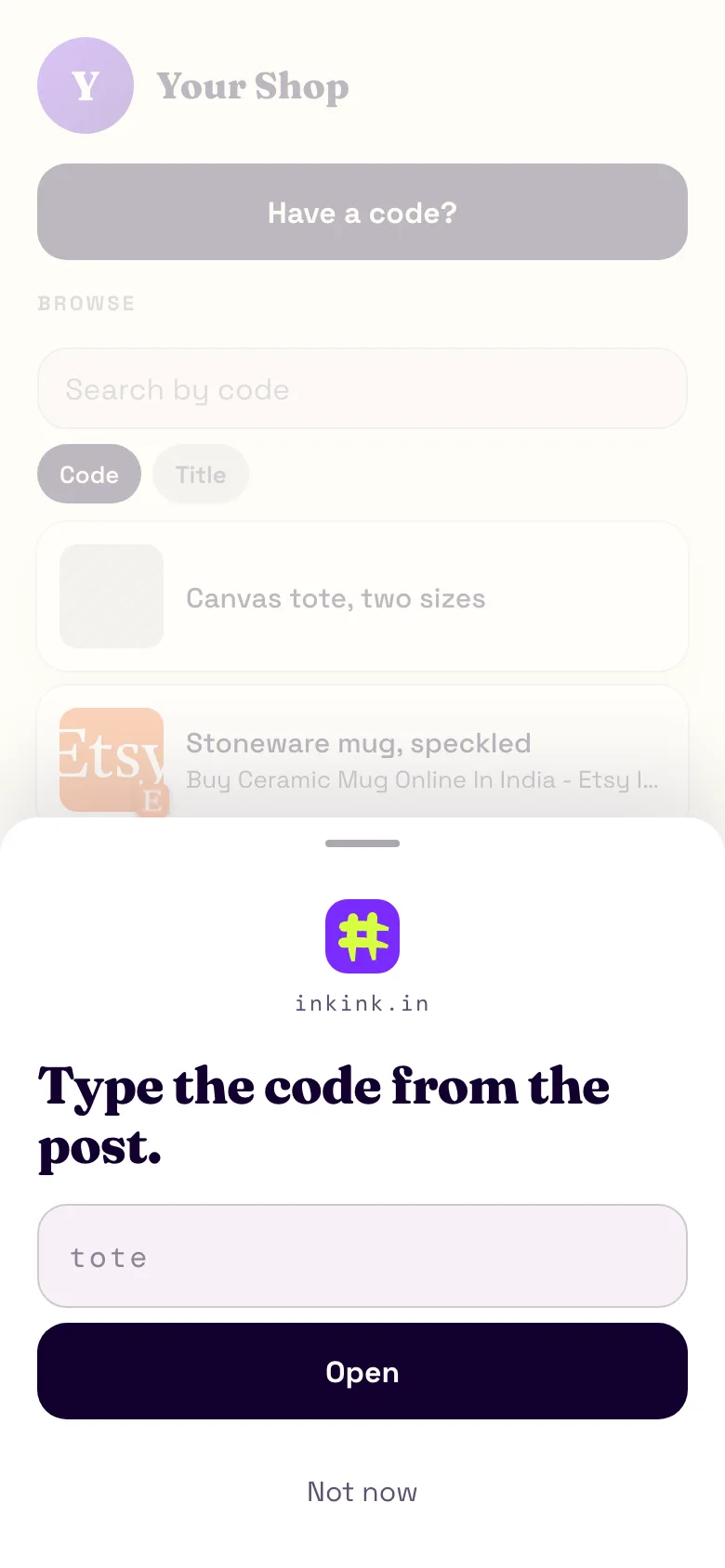
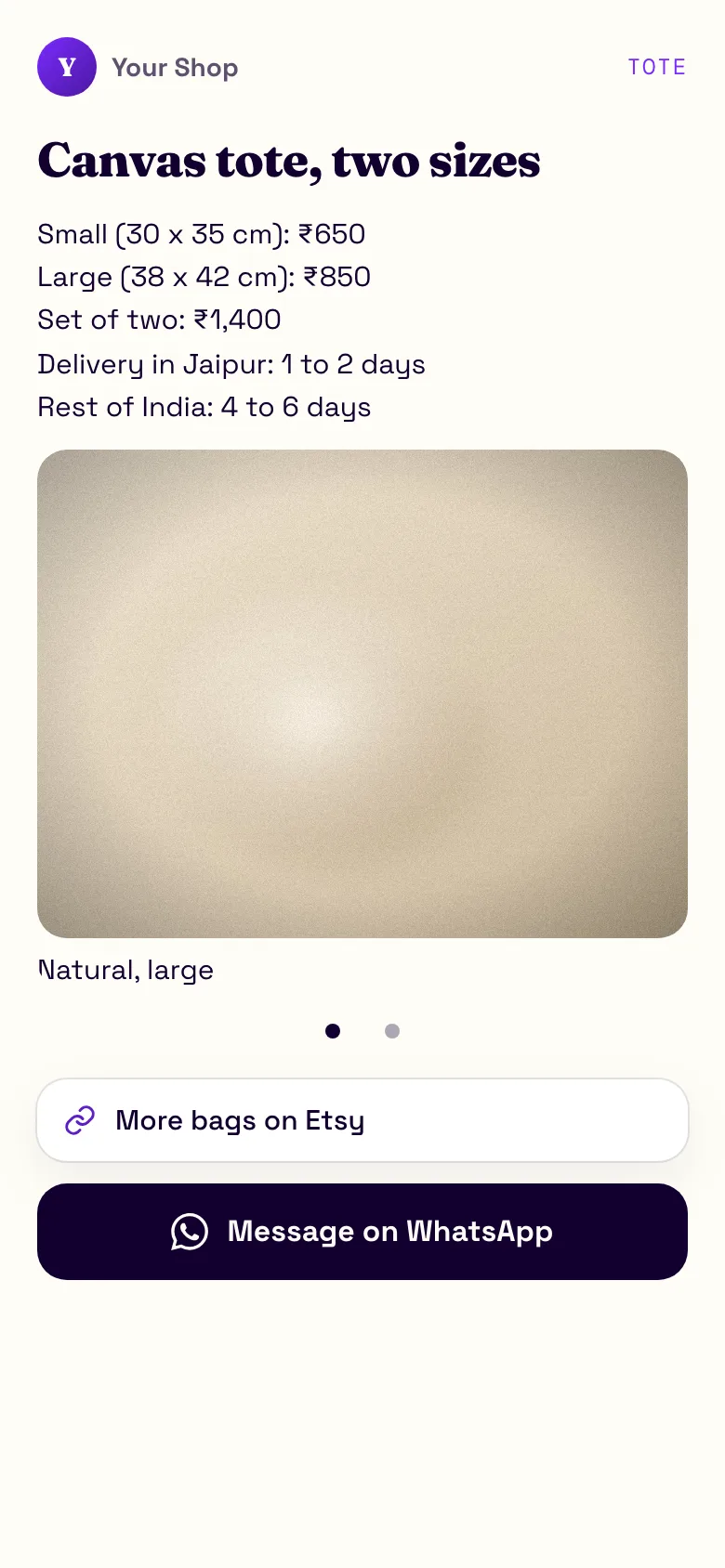
tote block on a demo page. The number behind the button is a placeholder.What you do, once per product:
- Go to inkink.in, continue with Google, claim a username. Usernames take lowercase letters, numbers and underscores, 3 to 30 characters, so drop any dots from your Instagram handle.
- New code, pick Block.
- Code
tote. TitleCanvas tote, two sizes. - Body: price, sizes, delivery days, in plain text, up to 2,000 characters. Line breaks are kept, so a short price list reads well.
- Add up to five items: photos, or a link such as your other shop.
- Under Action buttons, choose WhatsApp and type your number with the country code. inkink drops the plus, spaces and dashes, refuses a number that starts with
0, and builds thewa.melink for you. inkink cannot tell when the country code is missing: a 10-digit number is accepted as typed. Check that the link under the field starts with your country code, for Indiawa.me/91. - Turn on Show in the browse list if you want it on your page's list, then save.
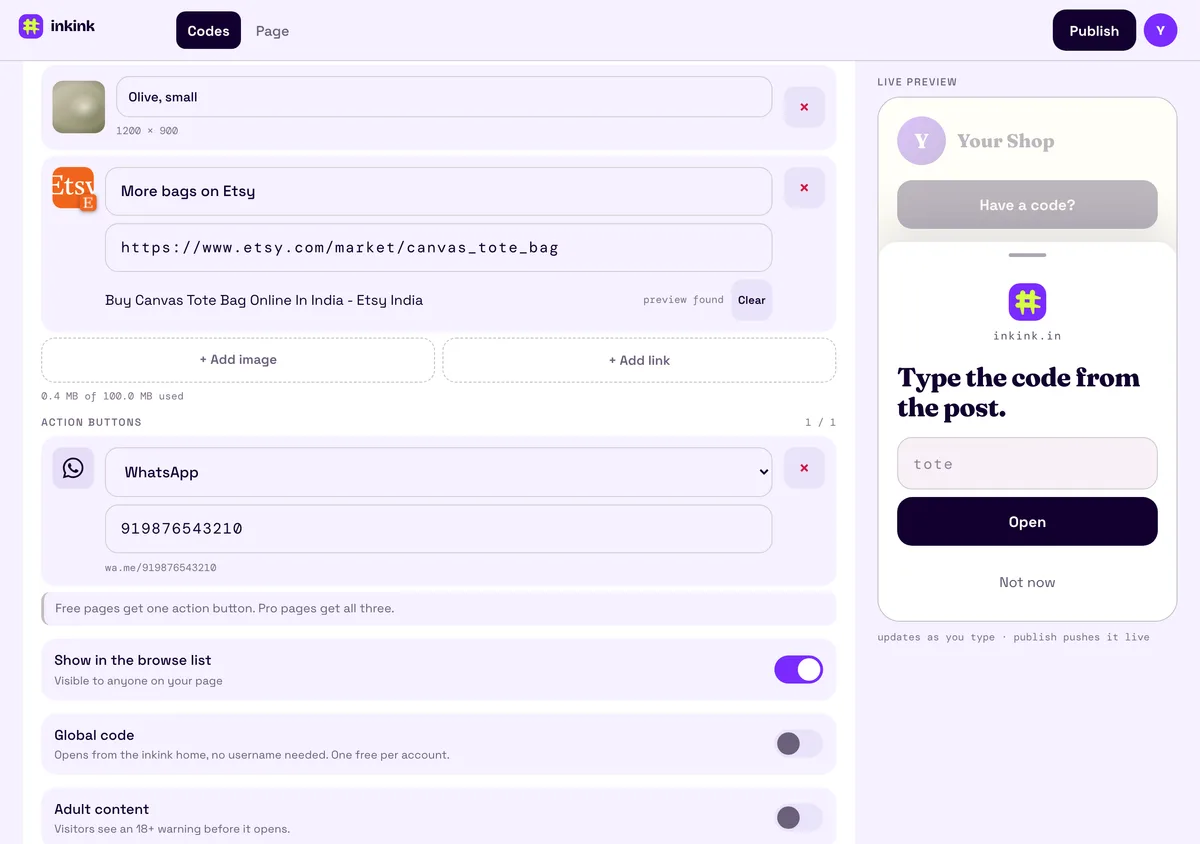
The free plan includes one button per card. On Pro a card carries up to three: Message on WhatsApp, DM on Instagram and Message on Messenger. The button is a plain wa.me link, the same link WhatsApp documents. WhatsApp says click to chat links work on your phone and on WhatsApp Web.
How to add a WhatsApp button to a Reel or a story
In a Reel or a feed post, say the code and write it in the caption: "code tote, link in bio".
In a story, put inkink.in/@yourshop?code=tote behind the link sticker and the product card opens directly with nothing to type.
How to sell on Instagram without a website, for free
This is the whole stack:
- Instagram for the posts.
- An inkink code per product for the card and the button. Free, up to 200 codes.
- WhatsApp for the conversation and the payment link you already use.
No cart, no domain, no monthly fee, and no app for the buyer to install.
How to take orders on WhatsApp Business without losing track
Put the product code in the card title and ask buyers to send it as their first message. "tote, medium" tells you the product before you open the chat. Every code also counts its own opens, so you see which product gets opened most before the first message arrives. Every load of a card counts, reloads included, so read the number as interest, not buyers.
inkink vs a wa.me link, Linktree, ownstreet and Taplink for WhatsApp orders
| Option | Good at | Check before you choose |
|---|---|---|
A wa.me link under Links in your profile |
Free, nothing to sign up for | One link, one blank chat for every product |
| Instagram's contact options | Contact information shown on your profile | Editing business information needs a professional account |
| Linktree | Unlimited links on the free plan | WhatsApp is added as an ordinary wa.me link |
| ownstreet | WhatsApp button on the free plan, UPI checkout via Razorpay, 0% platform fee | Free plan has up to 5 links and 7 days of basic analytics. Pro is ₹299 a month |
| Taplink | Says it takes no commission on sales | Click analytics start on PRO; branding removal and a custom domain need BUSINESS |
| inkink | One card per product, opened by the code from the post | No payments, no pre-filled message |
If you want buyers to pay on the page, ownstreet does that: it supports UPI (GPay, PhonePe, Paytm) at checkout through Razorpay, and Razorpay's gateway fees still apply. inkink takes no payment at all. If your sale already happens in the chat and you want each post to open its own product with the button under it, a code per product fits that.
Limits worth knowing
- The button is a plain
wa.melink. It does not pre-fill a message. - inkink does not take payment. Money moves where it already moves today.
- One page per Google account.
FAQ
Can I use the same code on a poster or a WhatsApp status?
Yes. The code is a word. Anywhere you can say or print tote, it works at inkink.in/@yourshop.
What if a product sells out? Edit the card. Change the body to "Sold out, next batch Friday", or switch the code to Redirect and point it at a waitlist. The code in your old posts keeps working.
Does this replace the Instagram WhatsApp contact button? No, keep both. Instagram's contact options are Instagram's own feature; codes give you one card per product.
Can buyers pay by UPI on the page? Not on inkink, which takes no payment. ownstreet supports UPI at checkout via Razorpay, if you want the payment on the page.