Guide
How to see how many people clicked your link in bio, per post
Short answers first, then the useful part.
Can you see who clicked the link in your Instagram bio?
Not that we could find. The Instagram guide below describes counts, not names. inkink keeps one counter per code. The counter is a number, not a list of who opened it.
How to check link in bio clicks on Instagram
Instagram's help center says any public account, personal or professional, can view insights (source). According to a 2025 guide from Macroter, the account-wide number is in your profile menu under Insights, in the Profile activity section, labelled "External link taps". Macroter defines it as taps on links that take people out of Instagram.
A single post's insights go further. Open the post and tap View insights. Instagram's help center lists Profile activity, "the number of actions people take when they visit your profile after engaging with your post" (source), and Meta's developer docs count bio link clicks as one of those actions (Meta).
How to see link in bio clicks on TikTok
Buffer's TikTok analytics guide gives the path: your profile, the TikTok Studio button under your bio, then Analytics. Buffer says analytics needs a Creator or Business account, and that a personal account can switch for free in settings. That guide says to keep an eye on link clicks if you have a link in bio, but not where TikTok shows them, and we could not confirm it from TikTok's own pages.
What the platform numbers miss
Instagram can show bio link taps per feed post or story, as above. The count ends at the tap: by Macroter's definition, external link taps are taps that take people out of Instagram, so which link the follower then opened on your page is not part of it. A code count adds that, and it works the same when the code is said on TikTok, YouTube or a podcast.
How to get a click count per post
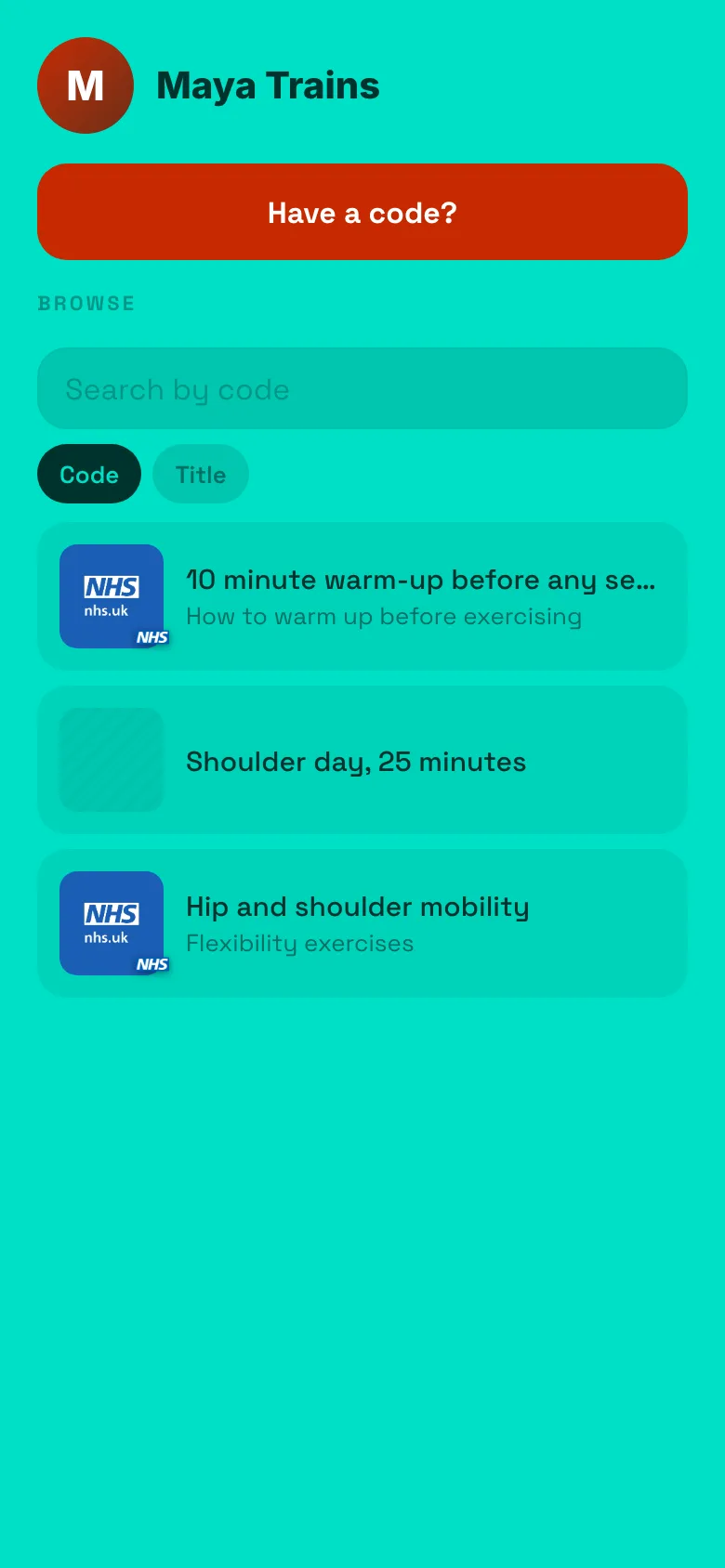
Give each post its own code on your bio page. The post says "code ep12". The follower opens the bio link, types ep12, and lands on that link. inkink counts every open of ep12 separately from ep13, wherever the follower heard it.
After a week your notes could look like this (an illustration, not real data):
| Code | Post | Opens |
|---|---|---|
ep12 |
Tuesday Reel | 412 |
ep13 |
Friday carousel | 38 |
guide |
Pinned post | 1,206 |
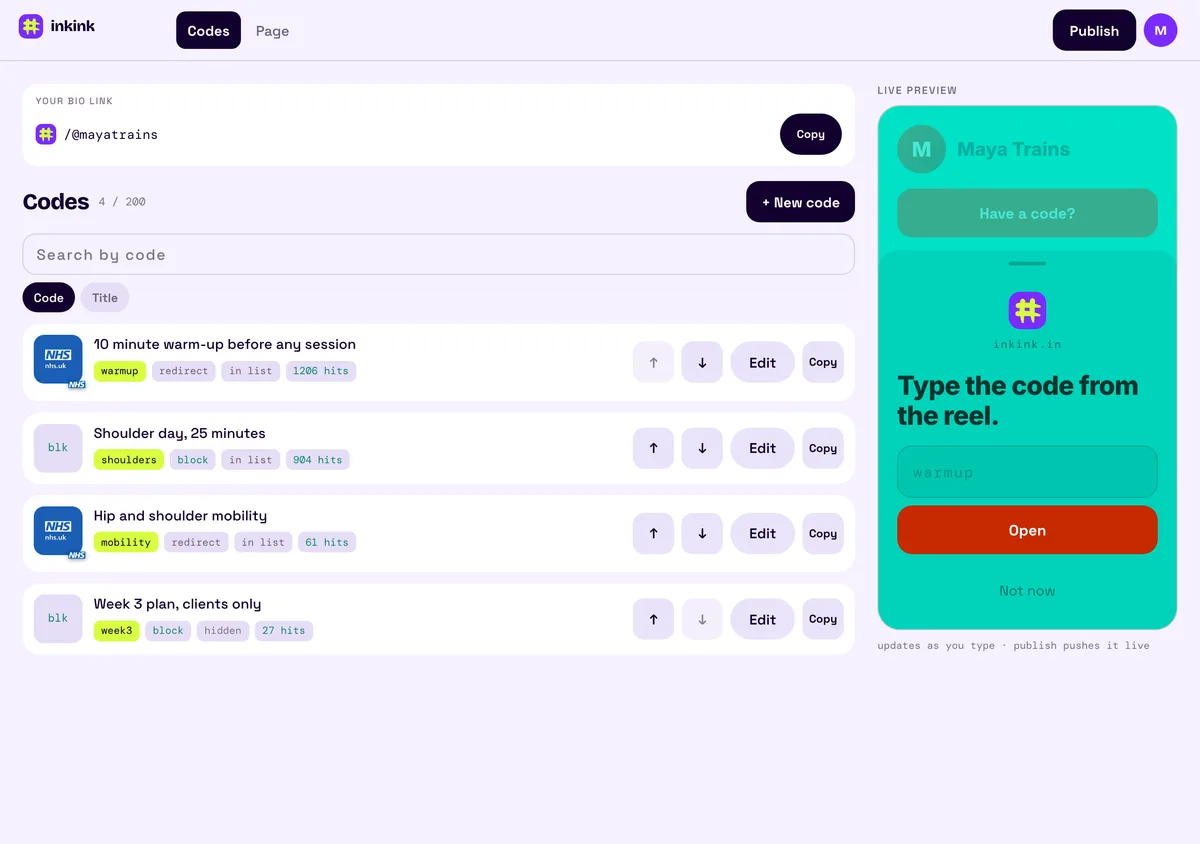
That tells you which link each post sent people to, on any platform.
How link in bio tools count clicks: Linktree, Beacons and Later
Facts come from each tool's own help pages, read on 3 October 2026.
| Tool | What it counts | On the free plan | Ties a click to the post it came from |
|---|---|---|---|
| Linktree | Clicks, a "Most Clicked" ranking, traffic sources | Lifetime totals; date range 28 days on free; Most Clicked and traffic sources on Pro and Premium | Not described in its help center |
| Beacons | Clicks per link, where visitors come from | Not stated | Not stated |
| Later | Page views, button clicks, "Instagram Post Clicks" | No free plan listed | Reports "Instagram Post Clicks"; not defined on the page we read |
| inkink | Opens per code | Yes, up to 200 codes | Yes, when each post has its own code |
Linktree. Every plan shows lifetime totals of views, clicks, click rate and subscribers. The date range you can pick is 28 days on free, 90 on Starter, 365 on Pro and lifetime on Premium. The "Most Clicked" ranking and the traffic-source breakdown are Pro and Premium only. Its Insights help page describes no way to see which Instagram post a click came from.
Beacons. It shows where visitors come from ("traffic IN") and clicks per link. Those pages do not say which plans get them.
Later. Its page is built from your linked Instagram and TikTok posts and reports "Instagram Post Clicks". Later does not define that metric on the page we read, and we found no Later page that says which Instagram post a visitor came from. Its cheapest plan, Starter, is $18.75 USD a month billed yearly, and the pricing page lists no free plan.
What counts as an open
An open is counted every time a code resolves: typed, tapped in the browse list, or opened through a ?code= link in a story sticker. Reloading a ?code= link resolves it again and counts again. It is a per-code counter, not a per-person log.
How to track link clicks from stories versus the bio
Use two codes for the same destination. guide in the Reel caption, guidestory behind the story sticker as inkink.in/@you?code=guidestory. Two counters, one link.
Set up
- inkink.in, continue with Google, claim a username (ideally your Instagram one; letters, numbers and underscores).
- New code per post. Pick Redirect to send people to a URL, or Block for a small page with text, images, links and a message button.
- Put
inkink.in/@youin your bio. Say the code in the post.
Free: up to 200 codes, each with its own open count.
FAQ
Does Linktree show clicks per link? Every plan shows lifetime totals, the free plan's date range is 28 days, and the "Most Clicked" link ranking is Pro and Premium only. Its help center does not describe tying a click to the post that sent it. A code is chosen by the post, so its count is per post.
Can I see opens over time? Today it is a running total per code. Note the number when you post and again a week later.
Does the count include me testing it? Yes. Test once, then subtract one.