Guide
QR code alternatives: a typed code for posters, slides and whiteboards
You print a QR code on the poster. It is small, it is at the bottom, and from where people stand it does not scan. One QR vendor's own poster guide says so: a code needs to be roughly one tenth as wide as the distance it is scanned from, and without a clear call to action most people will not even try. Print a short address next to it anyway.
Then make the address the main thing.
The alternative: a word instead of a square
mon7pm at inkink.in/@studiokind
That works from the back of the room, from a slide photographed on a phone, from a poster seen through a bus window, and read aloud by a teacher. The phone can stay in the pocket until later.
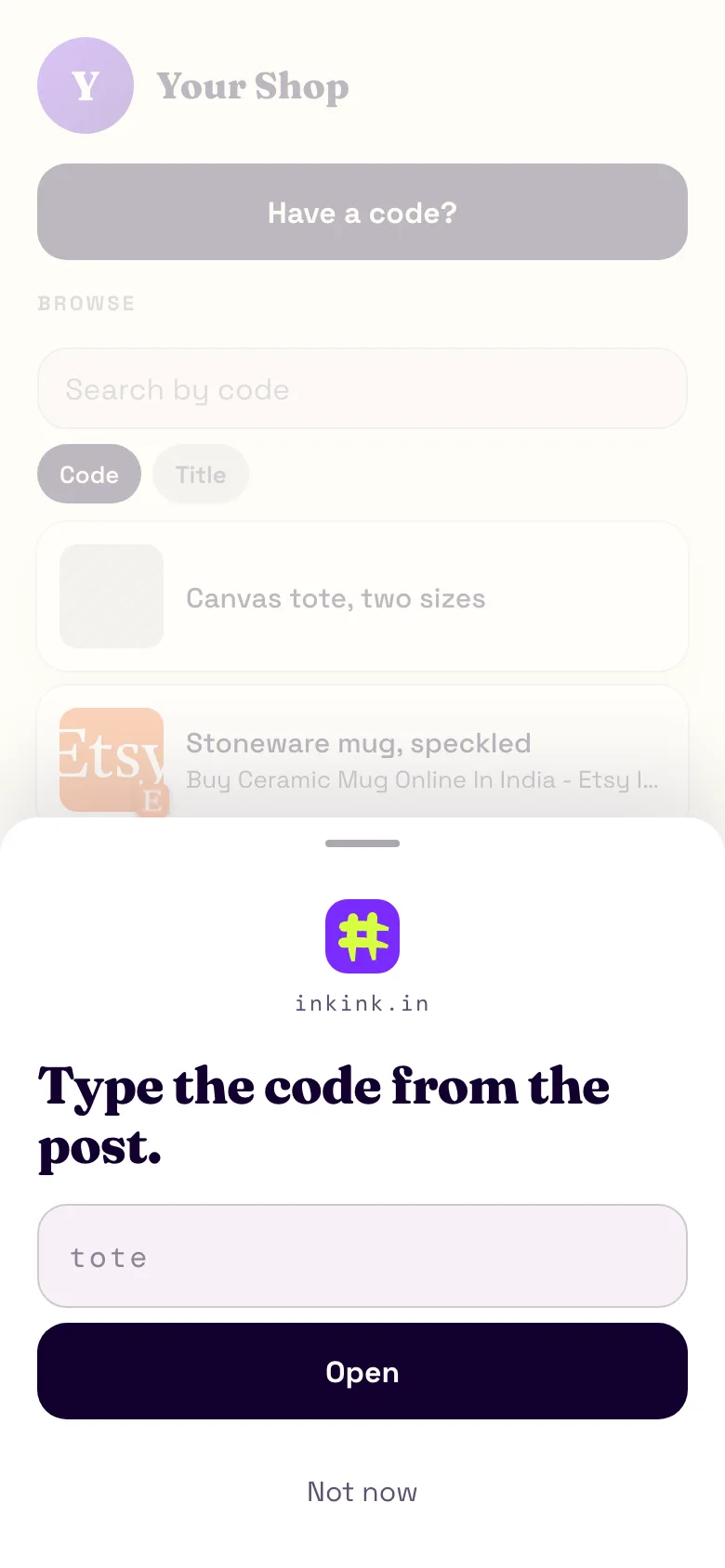
The visitor opens the page, and a box asks for the code. They type mon7pm and get tonight's signup.
When a QR code does not scan and a code does
- Distance. By that one-tenth rule, a 3 cm QR square needs the phone within about 30 cm. A word printed large can be read from across the room.
- Print quality. Glare on glossy stock stops scans. Letters still read.
- Spoken. A teacher, an MC or a podcast host can say a word. Nobody can say a QR code.
- Screens. A QR code on a projected slide has the same distance problem from the seats. A word does not.
Where this fits
- Gyms and studios.
timetableon the door.trialon the flyer.mon7pmon the whiteboard for tonight's class signup. - Classrooms and workshops.
lab3on the slide opens the worksheet, the dataset and the form. Change what it opens next term; the deck does not change. - Events and talks.
slidesat the end of the talk.feedbackon the last slide. A code on a conference poster that opens the paper and your contact. - Shops and cafes.
menuon the counter,wifion the table card,orderwith a Message on WhatsApp button.
What the code opens
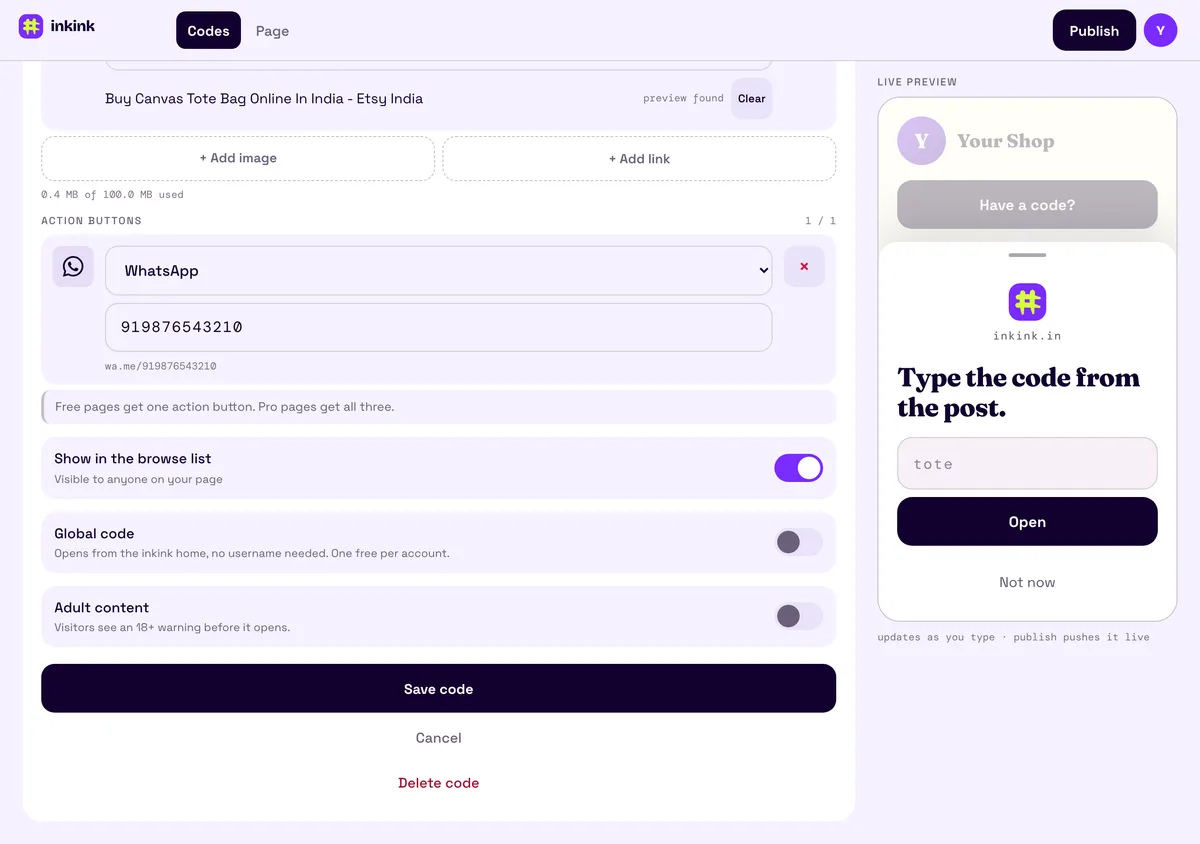
A redirect to one URL, or a block: a title, up to 2,000 characters of plain text, up to five images or links, and an action button. The free plan gives one button per block (Message on WhatsApp, DM on Instagram or Message on Messenger); on Pro, a block can have all three. The WhatsApp button opens a chat with you, with no message filled in. The block is a small page on inkink, so a timetable image or a worksheet list needs no website.
A redirect shows the title and "Opening in 5", then hands off after five seconds. Stay here cancels it.
QR code alternatives compared: QR only, QR plus a short URL, or a typed code
A common setup is a QR code with a short URL printed under it. Here is how the three setups differ on a poster.
| Read from across a room | Can be said out loud | What the visitor does | |
|---|---|---|---|
| QR code alone | Only if the code is about a tenth as wide as the distance | No | Scans with the camera |
| QR code plus a short URL | The URL is the backup when the scan fails | Yes, if the URL is short | Scans, or types the URL |
| A code on inkink | A word can be printed large | Yes | Types inkink.in/@studiokind, then mon7pm |
A QR code with a URL under it is a good setup, and you can keep it: point the QR at your inkink code (see the FAQ). The difference is what the URL is. On inkink you print one address and a different word per poster, and each word has its own open count.
If you only want a free page with an address to print, one-page builders do that. Squarespace says Bio Sites are 100% free and need no Squarespace subscription. Carrd's free tier allows up to three sites. On Carrd, removing the "Made with Carrd" branding needs a Pro plan from $9 a year, and site analytics need Pro Standard ($19 a year) or higher. Both give you a page and its address. inkink gives you one page with many short words behind it.
Set up
- inkink.in, continue with Google, claim a handle for the studio, class or event.
- New code, fill it in, save.
- Print the handle and the code:
inkink.in/@studiokindandmon7pm.
To skip the handle on the poster, turn on Global code for one code. A global code opens from the inkink home with no username, so the poster can say "go to inkink.in, type #studiokind" and studiokind can open this week's timetable. You get one global code free. No two global codes on inkink share a word, so pick one nobody else has taken.
Track which poster worked
Each code counts its opens. Put flyer on the flyer and poster on the poster, both pointing at the same signup page, and you know which one did the work. An open is counted every time a code resolves, including a page reload, so compare the two counts rather than reading them as people.
FAQ
Can I still print a QR code?
Yes. Point it at inkink.in/@studiokind?code=mon7pm and print the word next to it. Scanners scan, everyone else types.
Do visitors need an app or an account? No. A browser and the word.
How long can a code be? Up to 32 letters, digits and dashes. Short ones are the point.
Is there a free page builder I could print a URL for instead? Squarespace says Bio Sites are 100% free, and Carrd has a free tier of up to three sites. Each gives you a page address. inkink gives you one address and a separate code per poster, each with its own count.