Guide
How to share a podcast link on Instagram, in your bio and on air
Three places a podcast link has to work: the Instagram story, the bio, and the listener's memory while they are driving. Here is one setup that covers all three.
Share a podcast link on an Instagram story
In a story, you add a link with the link sticker. The problem is which link: the episode on Spotify, on Apple, the show notes, the guest's book?
Put all of them behind one code and link the code:
inkink.in/@yourshow?code=ep12
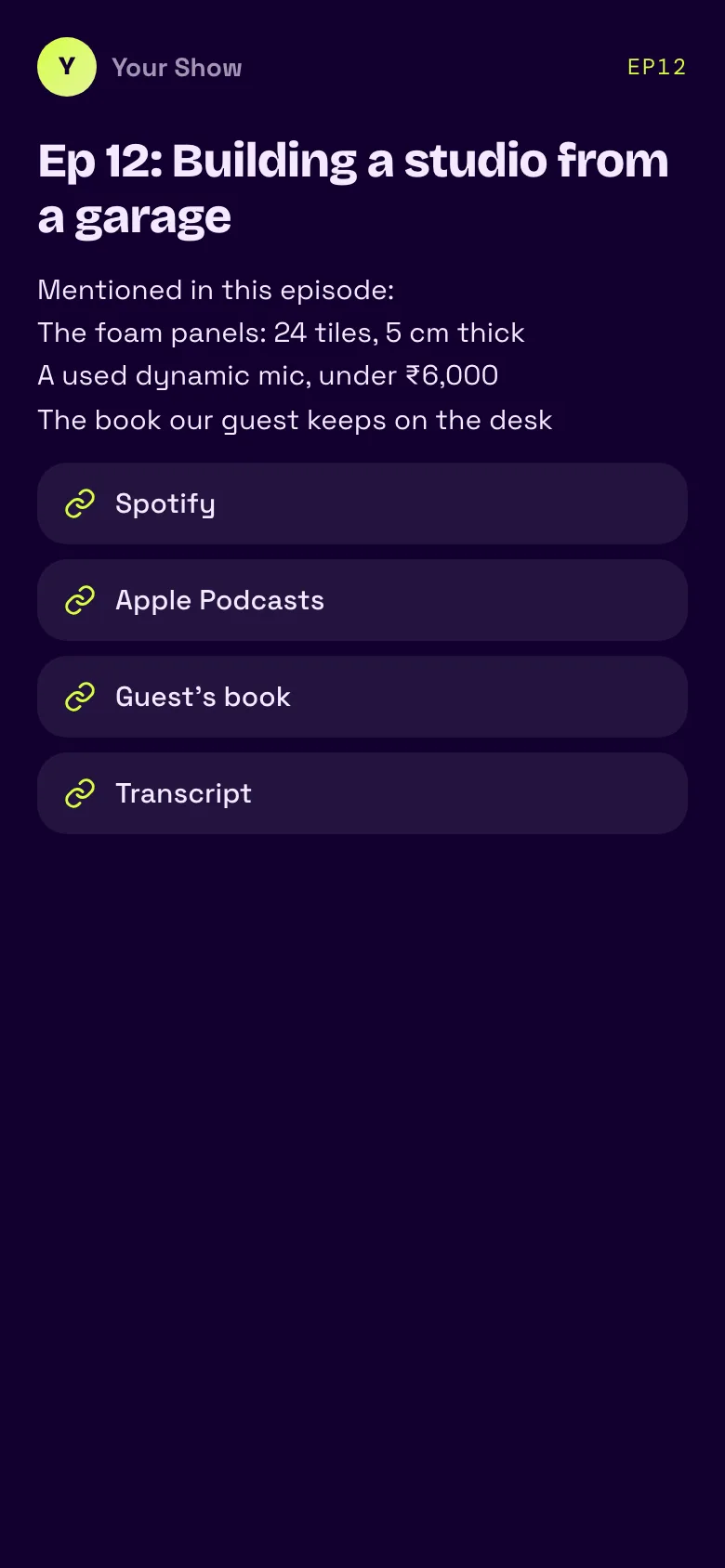
That opens a small page with a few lines of text and up to five links: the episode on Spotify and Apple Podcasts, the guest's book, the transcript. Guest handles can go in the text. One sticker, every link.
Share a podcast link in your bio
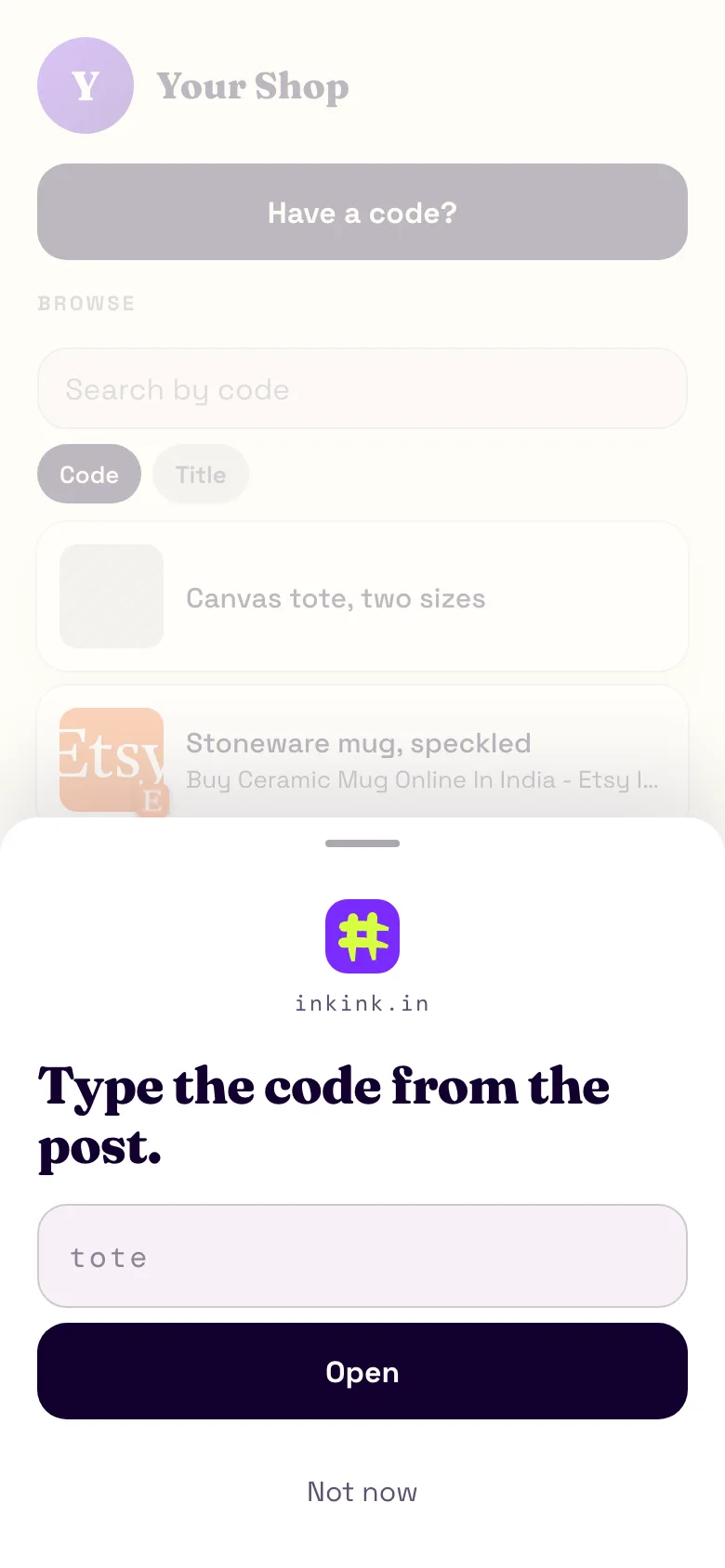
Make your bio link inkink.in/@yourshow. A sheet asks for the code from the post. Behind it sits a browse list of the episodes you chose to list. "Full podcast, link in bio" finally means something: the code from the Reel opens that episode.
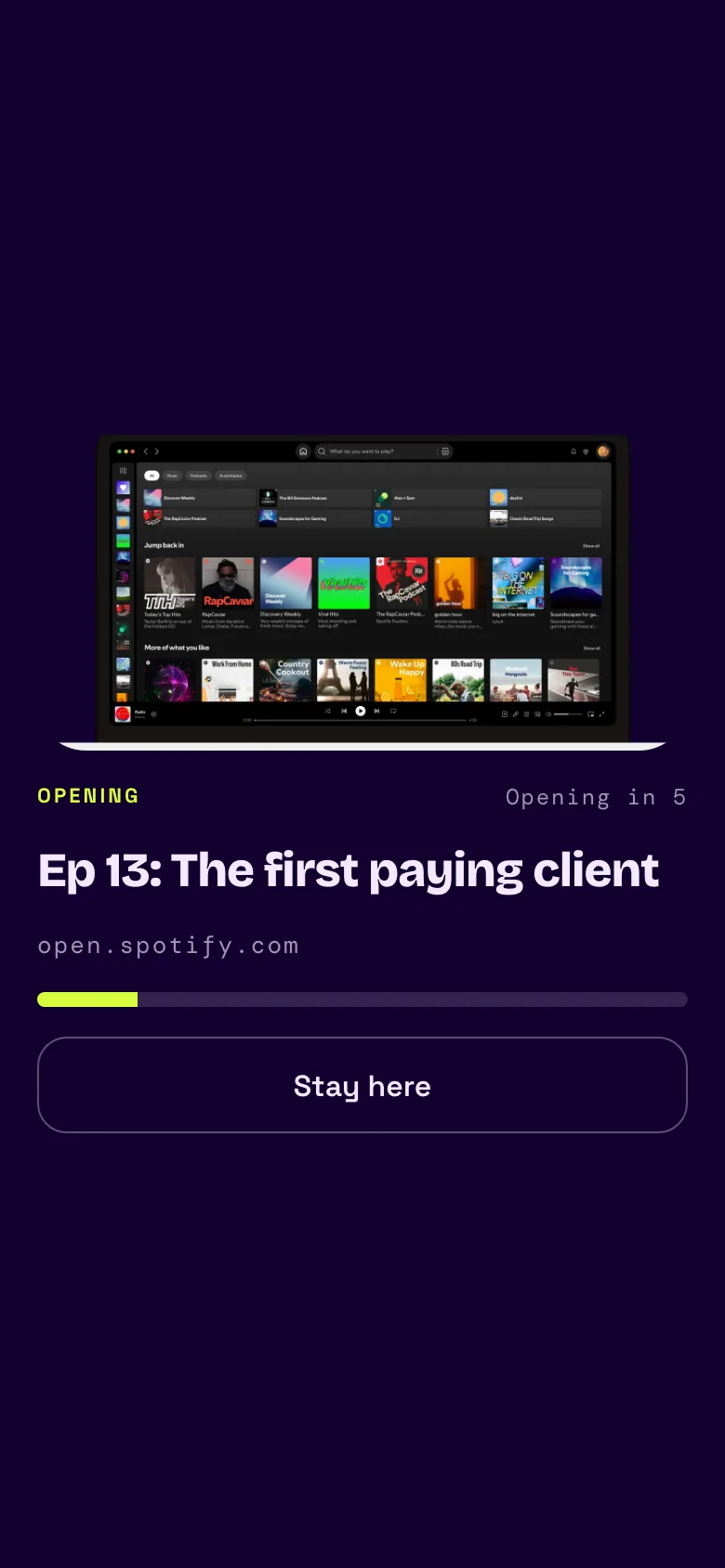
An episode code can also open one link directly. Make it a Redirect to the Spotify episode, and the listener sees a five-second handoff with the title before it opens.
Share a podcast link on air
Listeners are driving, running or washing up. A URL said out loud has to survive memory and a phone keyboard. Liinks puts it well: anything with a hyphen, an underscore, a number or a commonly misspelt word will not survive an audio handoff. And even a short domain is one thing per episode, when you have ten things per episode.
Say one word:
This week's links are under code ep12 at inkink.in/@yourshow.
They need your show's name and a number they already know, the episode number. Capitals and spaces do not matter: EP 12 opens ep12.
Set it up
- Sign in at inkink.in with Google. Claim a username for the show.
- New code, type Block. Code
ep12, title the episode name. - Body: a line per mention, plain text, up to 2,000 characters.
- Items: up to five, any mix of links and images. Paste each URL and inkink fetches its title and thumbnail when the page offers them. Label them "Spotify", "Apple", "Guest's book", "Sponsor, code POD20".
- Save with Show in the browse list on, so past episodes stay browsable.
A new code starts with the lowest unused ep number filled in, so once ep1 to ep12 exist, ep13 is ready for you next week.
One code for the whole show
Every account gets one global code free. Turn on Global code for a code named after your show, and it works from the inkink home page with no handle:
Go to inkink.in and type #yourshow.
It opens whatever that code holds: a block with your listening links, or a redirect to your latest episode.
What you learn
Each code counts its opens. If ep12 shows 400 hits and ep13 shows 40, you know which episode's call-out worked. Every open counts as a hit, reloads included, so read the number as opens, not unique listeners.
Guest appearances
Going on someone else's show? Make a listed code named after their show and point it at the one thing you want their audience to do. On inkink.in, switch the code box to ## and type theirshow, or paste ##theirshow. It finds every creator's listed code with that name, yours included: one match opens straight away, several show as a list of up to 20, most opened first.
Compared with a show-notes page, Linktree and Later
| inkink | Show-notes page | Linktree, free plan | Later Link in Bio | |
|---|---|---|---|---|
| What you say on air | One code per episode | A URL per episode | Your bio link | Your bio link |
| Per-episode numbers | Open count per code | Depends on your site's analytics | "Most Clicked" ranking is Pro and Premium only | Reports "Instagram Post Clicks" |
| Time range | One running total | Depends on your site | Lifetime totals; date range 28 days on free | Not covered here |
Each has a strength. A show-notes page has no limit on links and lives on your own site. Later builds its page from your linked Instagram and TikTok posts, so the page follows your feed. Linktree's paid plans allow a longer date range, 90 days on Starter and 365 on Pro, and Pro and Premium add a traffic-source breakdown.
Where they fall short is the audio. A URL has to be spelled. A bio link sends the listener to a list, and Linktree's help center describes no way to see which Instagram post a click came from. A code names the episode, and its count is the episode's. inkink keeps one running total per code, with no dates and no traffic sources.
FAQ
Can a code open a single link instead of a page? Yes. Choose Redirect. A short handoff screen shows the link's title with a five-second countdown and a Stay here button, then opens it.
Does this work for YouTube and Spotify video? Same code. Say it on air, write it in the description, pin it in a comment.
Is this free? Yes. The page, up to 200 codes, one action button per block, one global code and 100 MB of images are free.