Guide
Link in bio for recipes: stop stacking 200 links, give each recipe a word
"Full recipe at the link in bio." The viewer taps the bio, meets a list of your last 200 recipes, searches for the name they half remember, gives up, and comments "recipe?" instead. Apps like Kich now exist just to turn Instagram recipe posts into recipe cards.
The fix is not a better list. It is a word.
Say the word in the video
Code ragu at the link in bio.
The viewer opens inkink.in/@you, types ragu, and gets the ragu. Not the list.
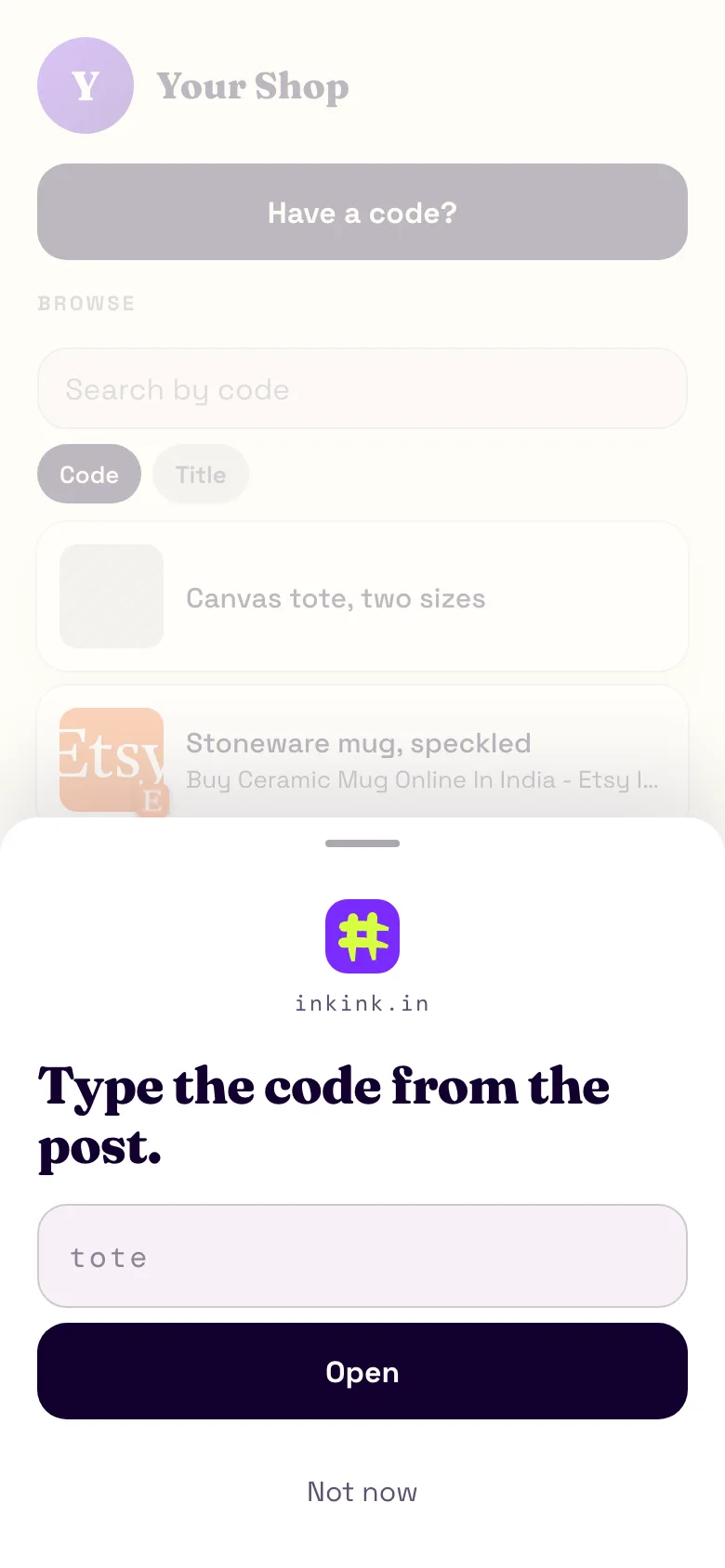
What ragu opens
Either a redirect straight to the blog post, or a block on inkink:
- Title:
Sunday ragù, 3 hours - Body: the ingredient list in plain text, up to 2,000 characters, line breaks kept
- Items: up to five. Two photos, the link to the full method on your blog, the Dutch oven affiliate link, a YouTube link
- A Message on WhatsApp or DM on Instagram button if you take cooking class bookings. The free plan allows one button per block. It opens a chat with you, with no message filled in.
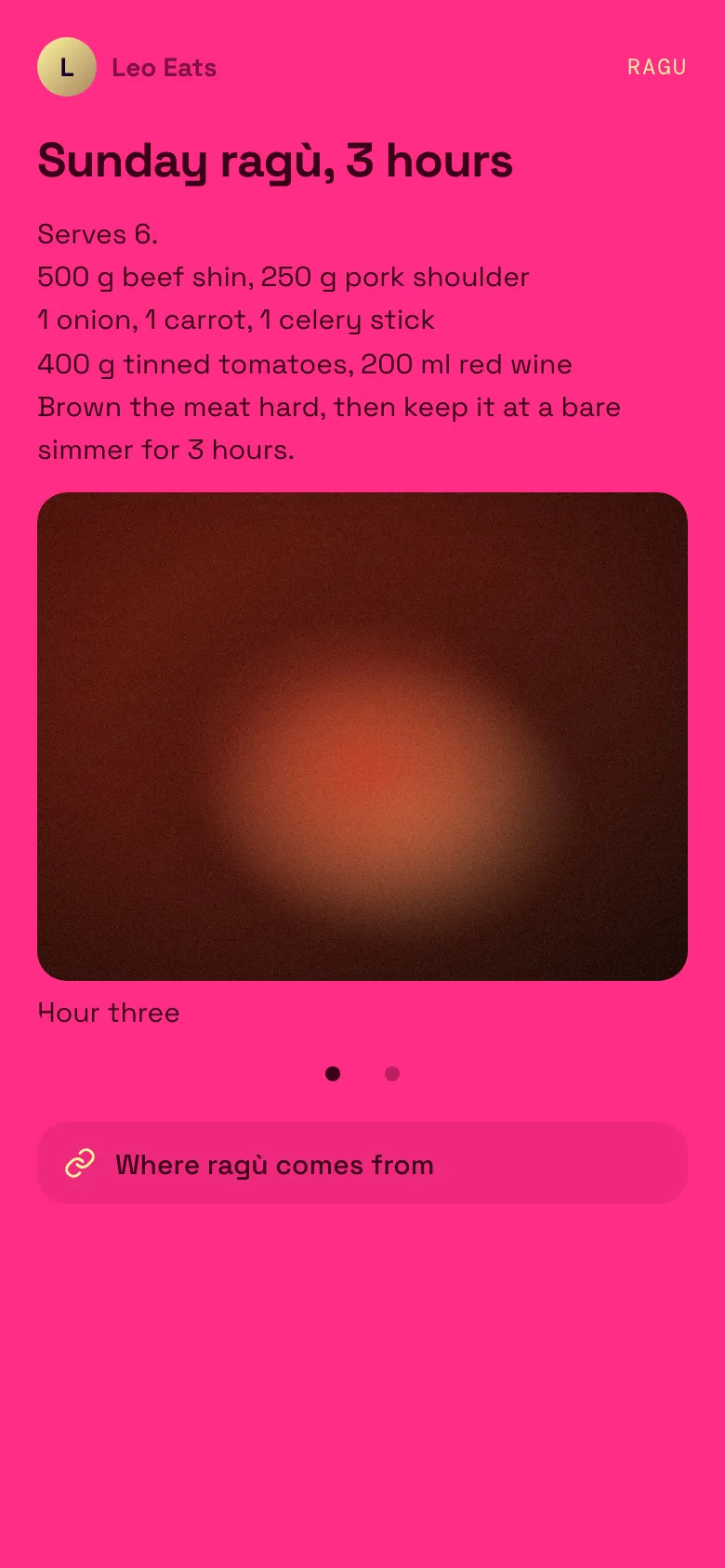
?code=ragu: title, ingredients, a two-image carousel and a link. The images are placeholders.People who want the quick version read the block. People who want the story tap through to the blog. Both found it in one word.
A redirect shows the title, "Opening in 5" and a countdown, then hands off to your blog after five seconds. A Stay here button cancels it.
Short codes you can say out loud
Codes are letters, digits and dashes, up to 32 characters. ragu, focaccia, dal3, xmas-cake. Spaces and capitals are forgiven: Xmas Cake resolves to xmascake. A dash is not added for the viewer, though, so Xmas Cake does not open xmas-cake. Keep codes to one word when you can.
Use the series number for weekly content: wk41, wk42.
The browse list still exists
Codes with Show in the browse list on show up in a list on your page. A redirect shows the preview image inkink fetches when you paste the link, or a thumbnail you upload. A block shows a blank thumbnail. Visitors who do not have a code can tap Not now, scroll and tap.
Unlisted codes stay off the list but open for anyone who types them. That suits a recipe you only hand out in a class. It is not a lock: anyone with the word gets in.
Listed codes can also be found from the inkink home. Switch the box to ## and type ragu, or paste ##ragu, and creators with a listed ragu show, most opened first (up to 20; if only one creator has it, it opens straight away).
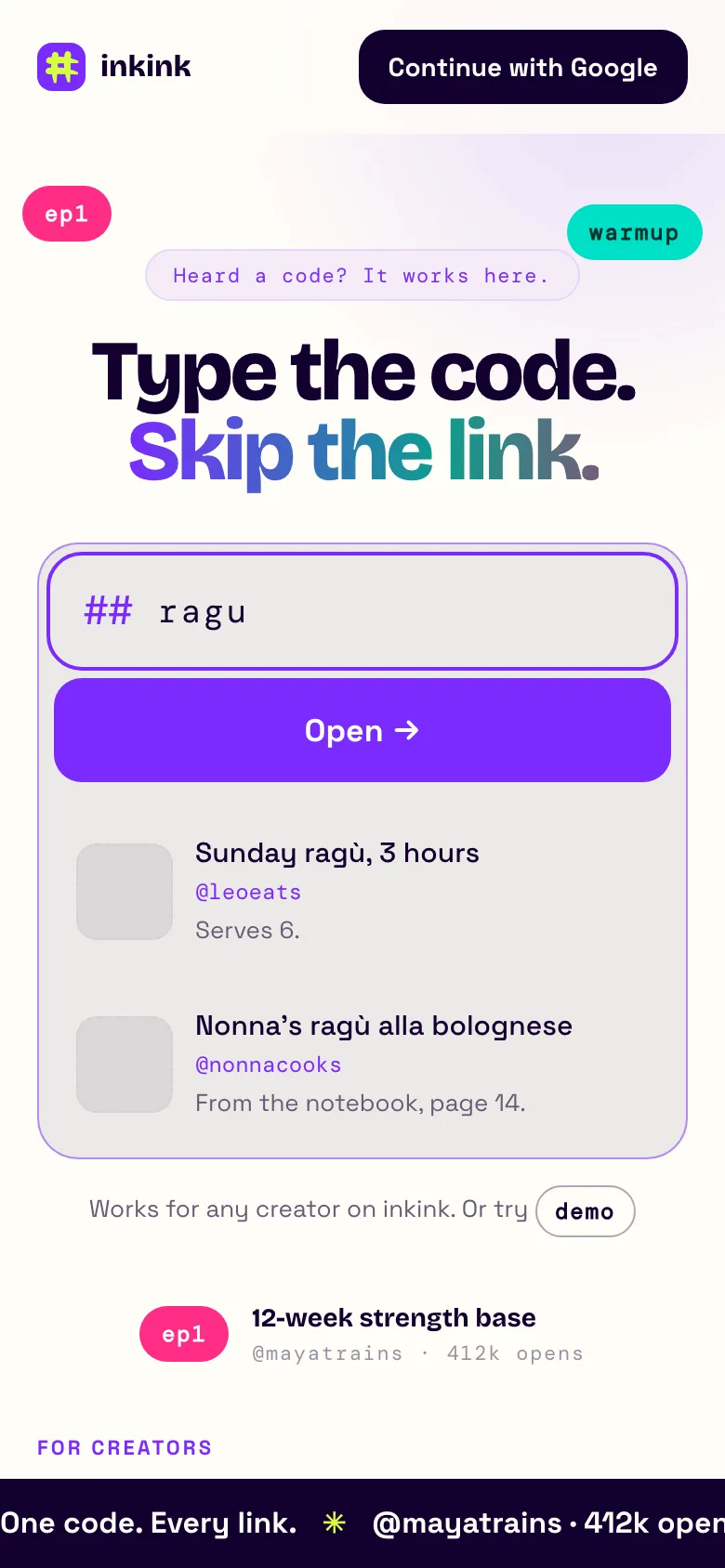
##ragu from the inkink home, on demo data. Block codes show a blank thumbnail.What you learn
Each code counts its opens. Say ragu got 2,000 opens and salad got 90. Now you know what to film next, and you have a per-recipe number to show a brand.
The count is a running total. An open is counted every time the code resolves, including a reload of a ?code= link, so read it as opens, not people.
inkink vs Linktree and Later for recipe links
Two tools worth comparing for a recipe link in bio: Linktree and Later. Linktree is a list of links. Later builds the page from your posts.
| Free plan | How a follower finds the recipe | Per-recipe numbers | |
|---|---|---|---|
| Linktree | Unlimited links | Finds it in your list of links | Lifetime totals on free, but the date range only goes back 28 days; the "Most Clicked" ranking is Pro and Premium only |
| Later | No free plan listed; Starter is $18.75 USD a month, billed yearly | Taps the tile of the post they saw (Later) | Reports "Instagram Post Clicks" |
| inkink | 200 codes | Types the word they heard, or browses listed codes | Open count per code |
Linktree's free plan gives you as many links as you want. That is also the problem a recipe creator has: 200 recipes become a 200-row list. On Linktree's free plan the date range only goes back 28 days, and the per-link "Most Clicked" ranking and traffic sources need Pro or Premium. Its help center does not describe a way to see which Instagram post a click came from.
Later is closer to the real problem. Its Link in Bio page is built from the Instagram and TikTok posts you add links to, so a follower who remembers the photo taps that tile. That works well when the photo is what they remember. A code works when they only heard the name in a voiceover. Later's pricing page lists no free plan.
inkink does not know which post sent a visitor either. Give each post its own code and the code's count stands in for the post.
Set up
- inkink.in, continue with Google, claim your username.
- New code. Paste the blog URL for a redirect, or build a block.
- Bio link:
inkink.in/@you.
FAQ
Can I put the code in a story?
Yes. inkink.in/@you?code=ragu opens the recipe directly, so use it wherever you can paste a link.
What if someone types a code that does not exist? They see "No link for that code." under the box. You can change that line in the Page tab. Tapping Not now shows your browse list.
Can two creators use the same code?
Yes. ragu on your page and ragu on someone else's are separate. From the inkink home, switch the box to ## and type ragu: creators with a listed ragu show, most opened first (up to 20; if only one creator has it, it opens straight away).
Is Later's Link in Bio free? Later's pricing page lists no free plan. Its cheapest plan, Starter, is $18.75 USD a month billed yearly. inkink is free for up to 200 codes.