Guide
Link in bio for fitness coaches: one code per workout, and know which Reel filled the program
A coaching account has three jobs in the bio link: hand out the free thing, take the enquiry, and point at the paid program. Put all three in one list of eight buttons and say "link in bio" at the end of every Reel, and the viewer has to work out which button the Reel meant.
A code fixes the landing. The Reel about shoulders says code shoulders. The viewer types it and gets exactly the shoulder routine, the PDF and a way to message you. Nothing else.
What a code opens
Make a block for each routine:
- Title:
Shoulder day, 25 minutes - Body: the sets and reps in plain text, up to 2,000 characters
- Items: up to five. A form video link, the PDF (Drive or Dropbox link), the program signup page, a photo of the whiteboard
- Button: Message on WhatsApp or DM on Instagram. One action button per block on the free plan, three on Pro.
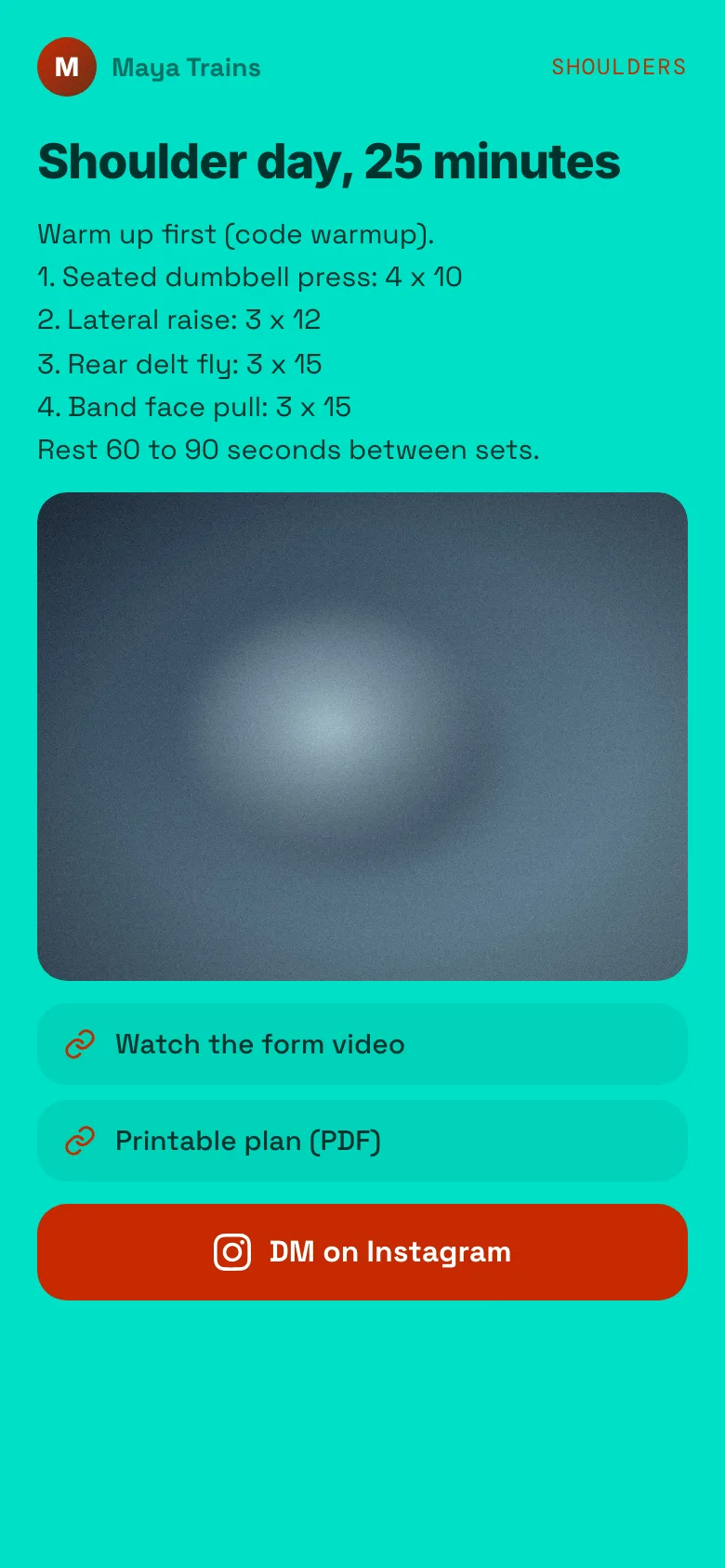
shoulders block on a demo page: sets and reps, an image, a form video link, a PDF link and a DM on Instagram button.Or make a redirect if the code should just open your booking page. The visitor sees "Opening in 5" and a Stay here button, then the page opens.
The post
Full routine under code shoulders, link in bio.
Say it on camera. Write it in the caption. It works on TikTok and YouTube Shorts too, because it is a word, not a tappable link.
What you learn
Every code counts its opens in your editor. After a month you might see shoulders at 900 opens and mobility at 60, with the program signup sitting behind shoulders. Make more shoulder content. The count is a running total, with no dates or sources, and an open is counted every time a code resolves, including a reload of a ?code= link. Read it as opens, not people. It costs nothing.
Clients, not just followers
Codes do not need to be listed. Leave Show in the browse list off and a code stays out of the list and out of search but still works when typed. Give paying clients week3 for the week's plan. Followers scrolling your page never see it. Change the block each week; the code stays the same. An unlisted code is not a password: anyone who has the word can open it, so put nothing there you would mind being passed on.
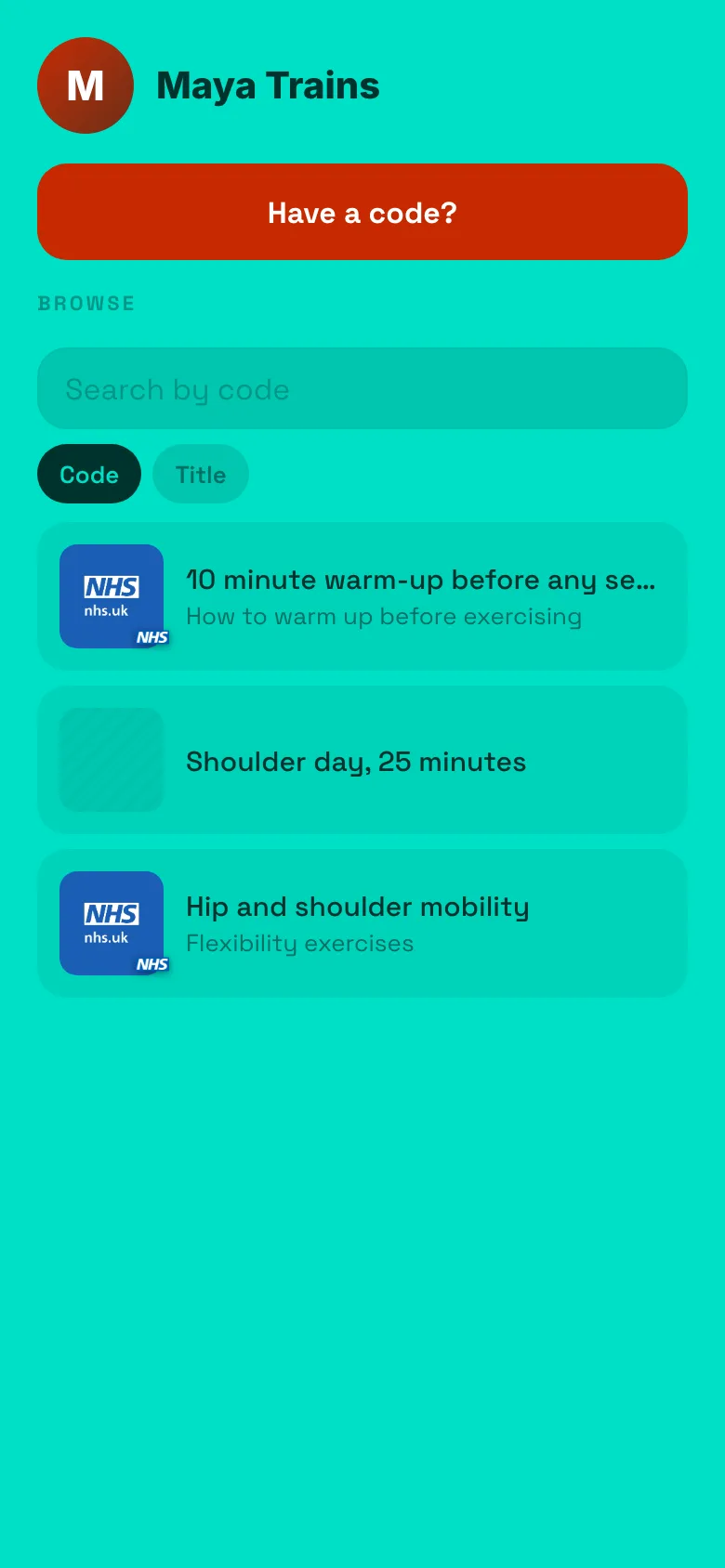
week3 is unlisted, so it is not shown.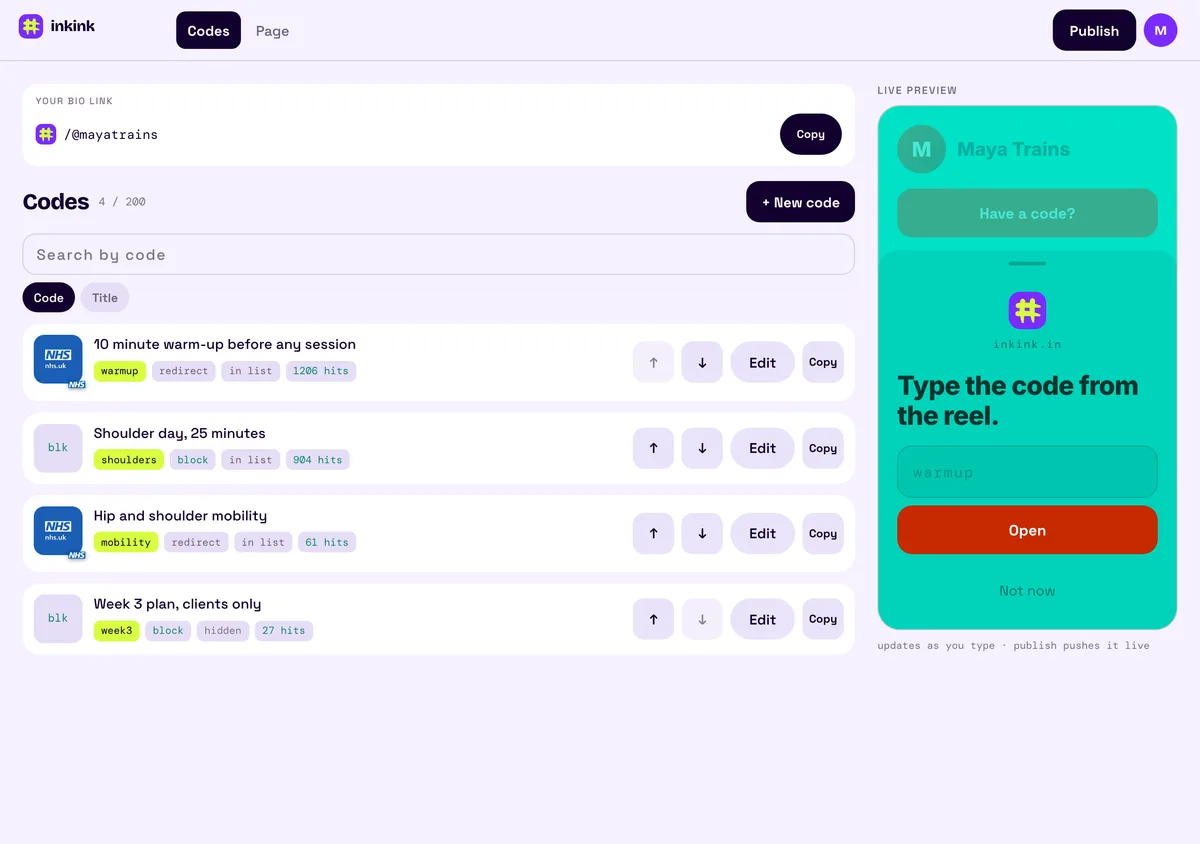
Compared with Linktree, Beacons and a Google Drive link
Three other ways to fill a coach's bio link. Competitor facts come from each vendor's own pages.
| inkink (free) | Linktree (free) | Beacons | Drive link in bio | |
|---|---|---|---|---|
| Where a Reel's viewer lands | The one routine the Reel named | Your list of links | Your page of links | One file or folder, for every Reel |
| A count per Reel inside the tool | One code per Reel, each with its own open count | The help center describes no way to see which Instagram post a click came from | Traffic sources and clicks per link; a per-post view is not described | The same link in every post |
| Analytics on the free plan | An all-time open count per code | Lifetime totals; date range 28 days on free; "Most Clicked" and traffic sources on Pro and Premium | Plan limits not stated in the help article | n/a |
Be fair to each. Linktree's free plan shows lifetime totals of views and clicks, with a date range of 28 days. Starter gets a 90-day range, Pro 365 days, and Premium the full lifetime. Its "Most Clicked" link ranking and traffic-source breakdown are only on Pro and Premium. Beacons shows where visitors come from ("traffic IN") and clicks per link, which inkink does not. A Drive link needs no new account if the PDF already sits in your Drive.
What inkink adds is the word. Instagram's own insights can show bio link taps for a feed post or story (Meta); a code also tells you which routine they opened, and it works the same on TikTok and YouTube. A different code in each Reel gives each Reel its own count, and the viewer lands on that one routine.
Set up
- inkink.in, continue with Google, claim your Instagram username if it fits (3 to 30 lowercase letters, numbers or underscores).
- New code, pick Block or Redirect, fill it in, save. Turn Show in the browse list on for codes followers should see.
- Put
inkink.in/@youin your bio.
FAQ
Can I use this for a challenge signup?
Yes. code 30day opens the signup, and the open count tells you how many times the code was opened.
I run a studio with a timetable. Same thing?
Yes. Put the timetable image in a block behind timetable, and write the code on the door.
Does the WhatsApp button pre-fill a message?
No. It opens wa.me with your number and no text. Ask people to send the code as their first message so you know which routine they came from.
Can Linktree tell me which Reel sent a client? Linktree's help center does not describe any way to see which Instagram post a click came from. With inkink you give each Reel its own code and compare the counts.